Mac diagnostics,
with an explanation.
Sysana is a Mac system monitor and AI diagnostics app that connects performance, storage, battery, and system activity. Understand the evidence behind a problem and choose your next step.
Understand why your Mac is slow
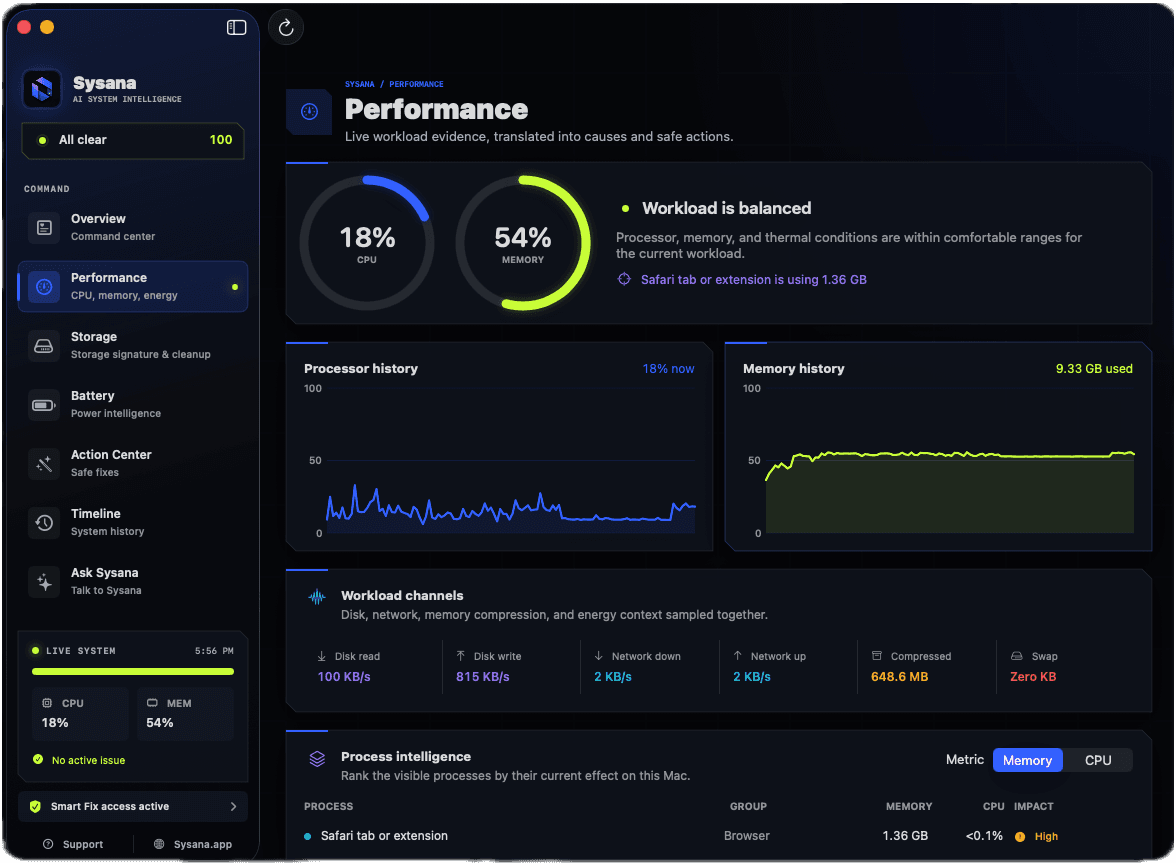
Sysana brings CPU activity, memory pressure, swap, disk activity, network use, energy, and thermals into one view. See which processes and conditions coincide with a slowdown, then use that context to decide what needs attention.
A busy CPU alone does not explain every slowdown. Memory pressure and thermal conditions help put current activity in context.
See what is using your Mac storage
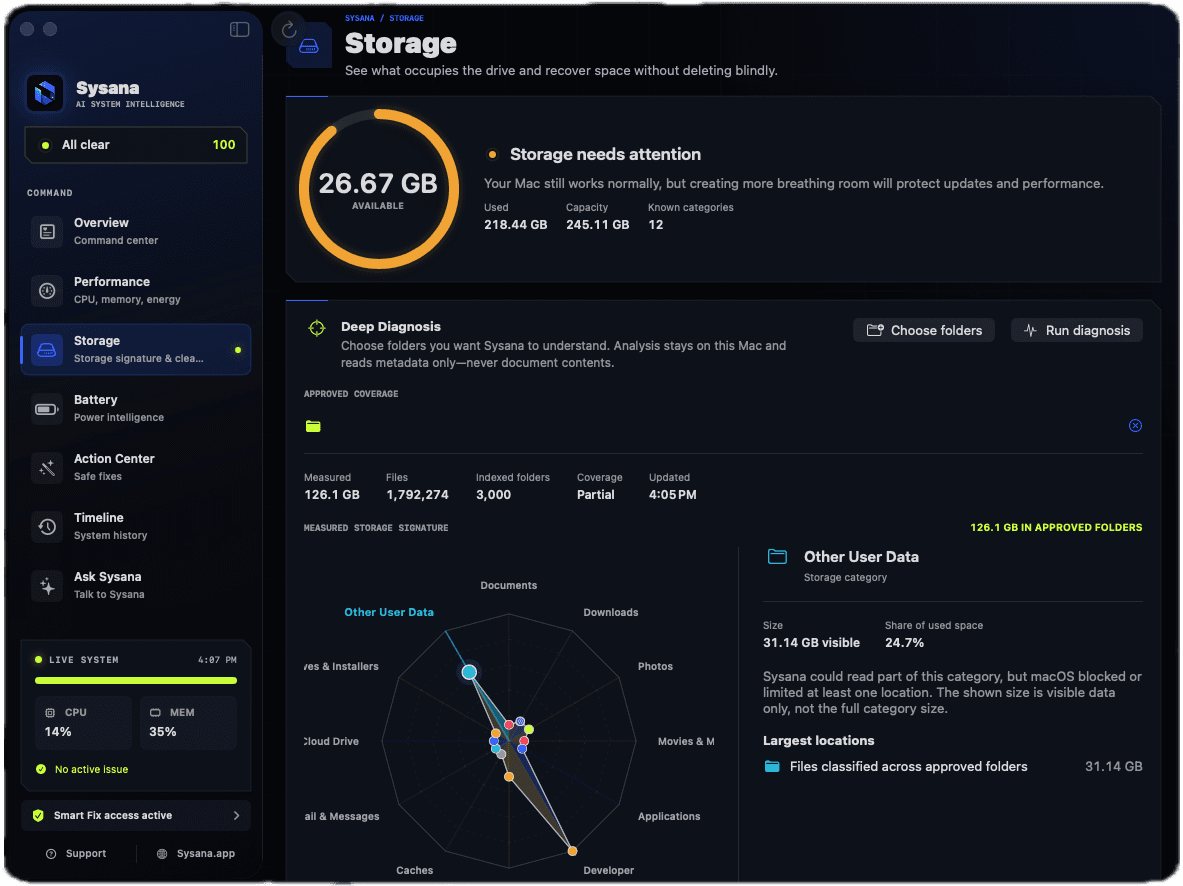
Explore storage categories, large contributors, and unusual growth. Sysana distinguishes system-managed space from potentially recoverable items so you can understand where to start before removing anything.
Review the exact target and expected impact of a proposed action. System-managed storage is not automatically disposable space.
Connect battery drain with energy use
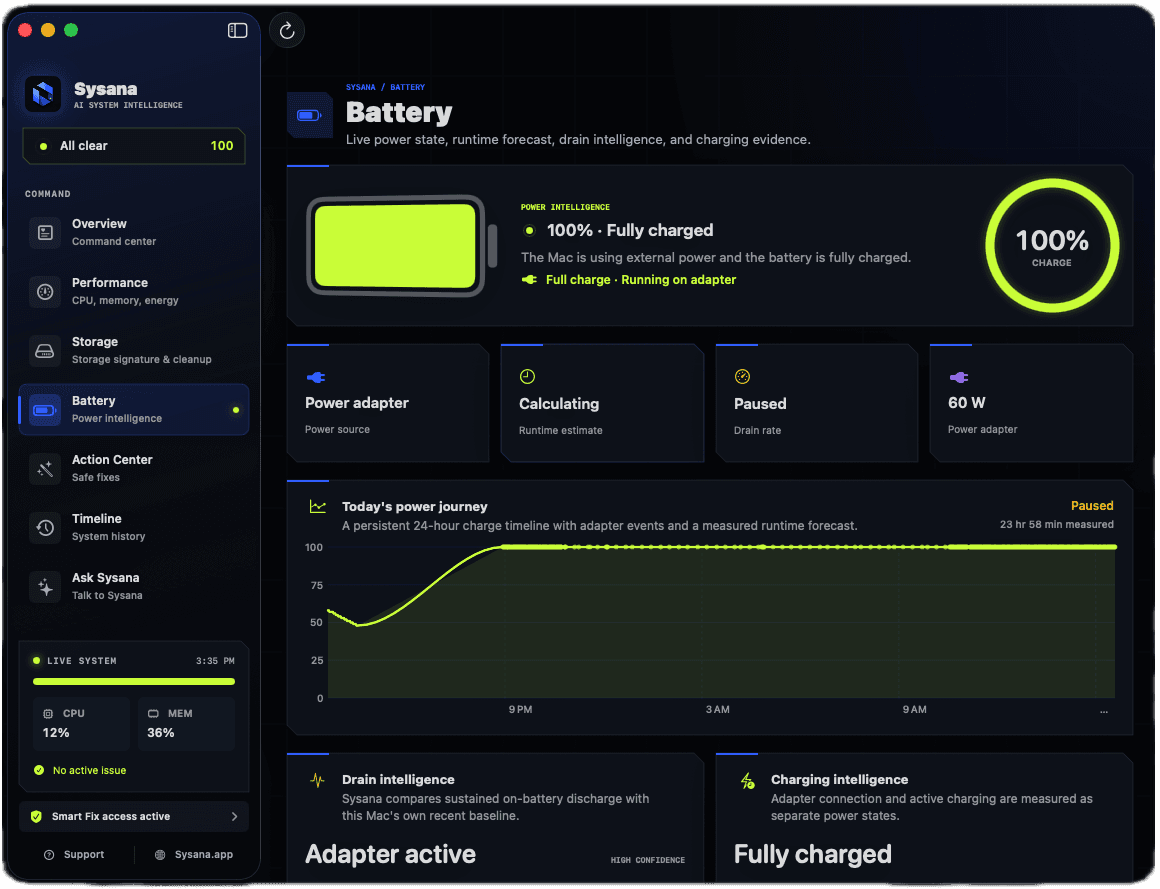
Review battery health, charging state, temperature, energy-heavy apps, and background activity together. Sysana helps explain how current workloads relate to battery drain and heat.
Battery health and current energy consumption answer different questions: one describes capacity, while the other helps explain how quickly a charge is being used.
Review maintenance before approving it
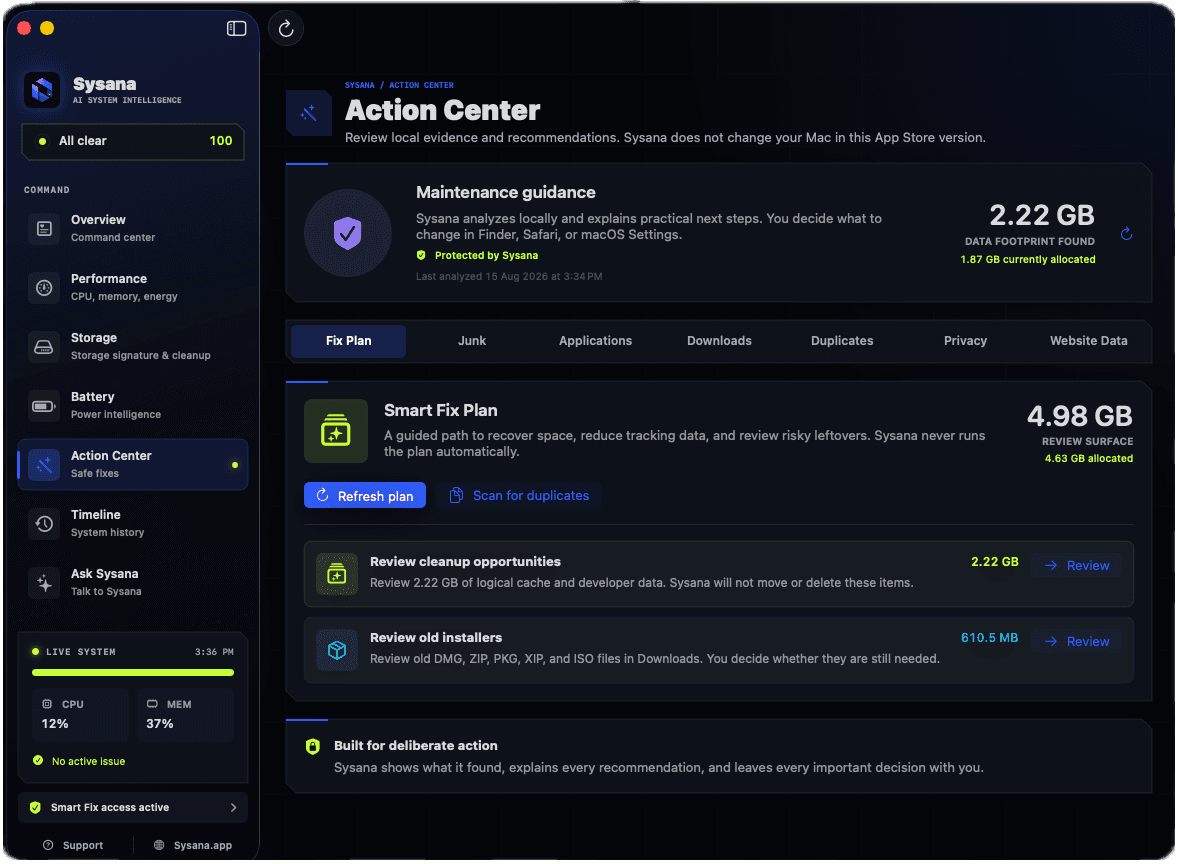
The Action Center presents evidence, an exact target, expected impact, and risk for recommendations. You choose which actions to approve, with system changes kept under your control.
Recommendations are information for your decision. Sysana does not promise that every symptom has a single cause or that every action will resolve it.
Follow system changes over time
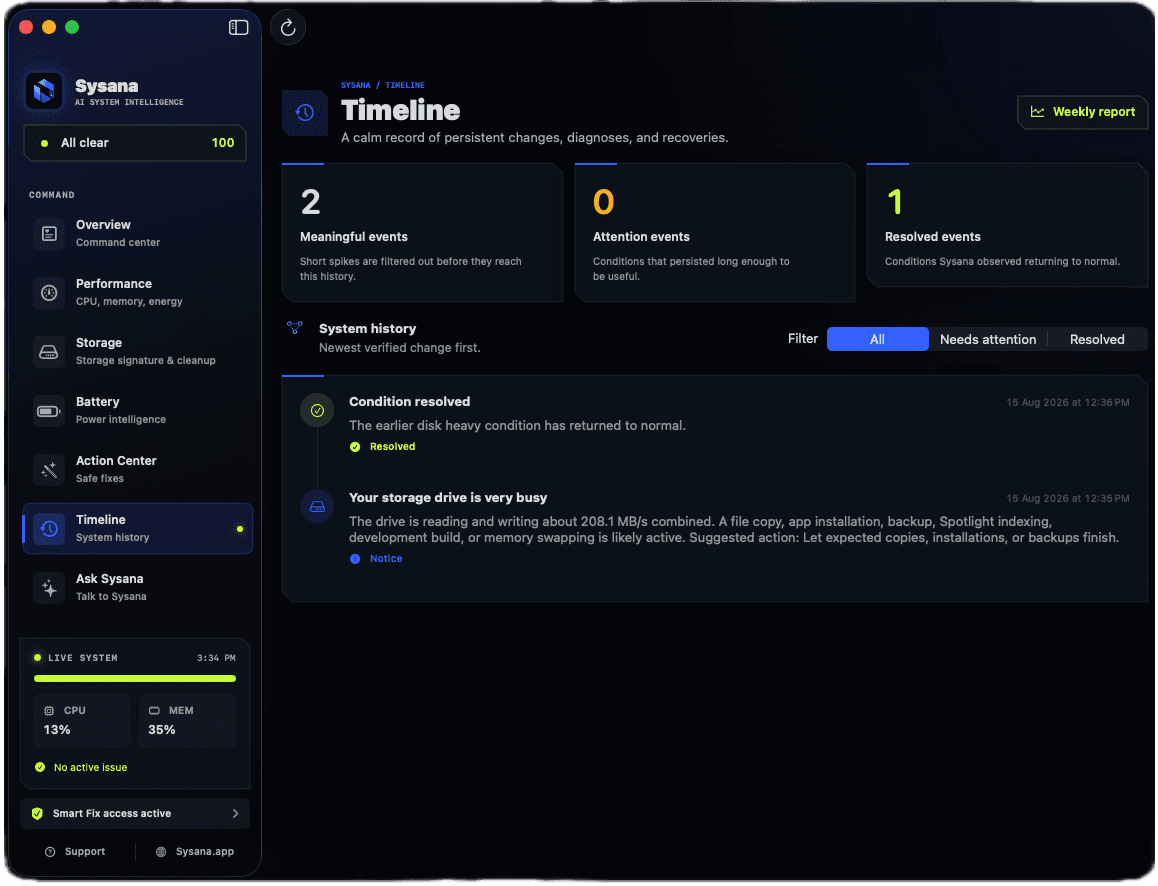
Follow diagnoses, attention events, actions, and recoveries in a connected timeline. Historical context helps you compare what happened before and after a meaningful change.
Use the timeline to distinguish a brief burst of activity from a recurring pattern that deserves investigation.
Ask questions about your Mac
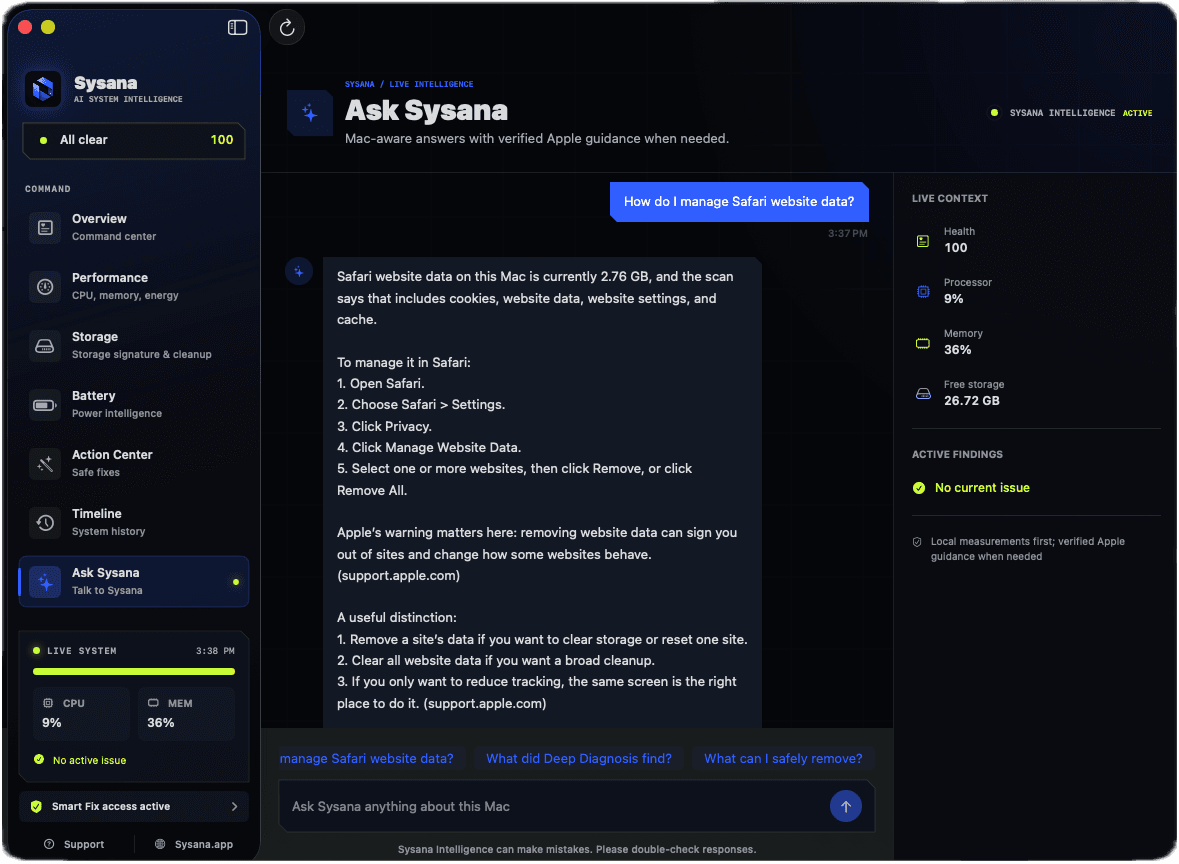
Ask why your Mac is slow, what is consuming memory, or where storage is going. Sysana Intelligence uses compact diagnostic summaries to explain the available evidence and support follow-up questions.
Core diagnostics run locally. Cloud AI uses your question and compact system context with consent, rather than the contents of documents, photos, or messages.
Questions about Sysana
Is Sysana free?
Local monitoring, scans, alerts, and user-approved maintenance remain free. Five successful AI questions are complimentary for the lifetime of an installation on one Mac. Continued AI discussion requires an optional monthly or annual App Store subscription. There is no free trial. Check the App Store for current localized pricing.
Does Sysana read my files?
Core diagnostics run locally. Sysana Intelligence uses your question and compact system summaries with consent, not document, photo, message, or file contents. Read the Privacy Policy for details about cloud processing and retention.
Does Sysana automatically delete files?
Meaningful maintenance actions require your review and approval. Check the target, evidence, impact, and risk before deciding. Learn more in the Security and Privacy center.
Where can I download Sysana?
Use the official Sysana download page to reach the Mac App Store listing. Apple lists current system requirements and availability and handles updates and subscriptions.