START HERE9 min read
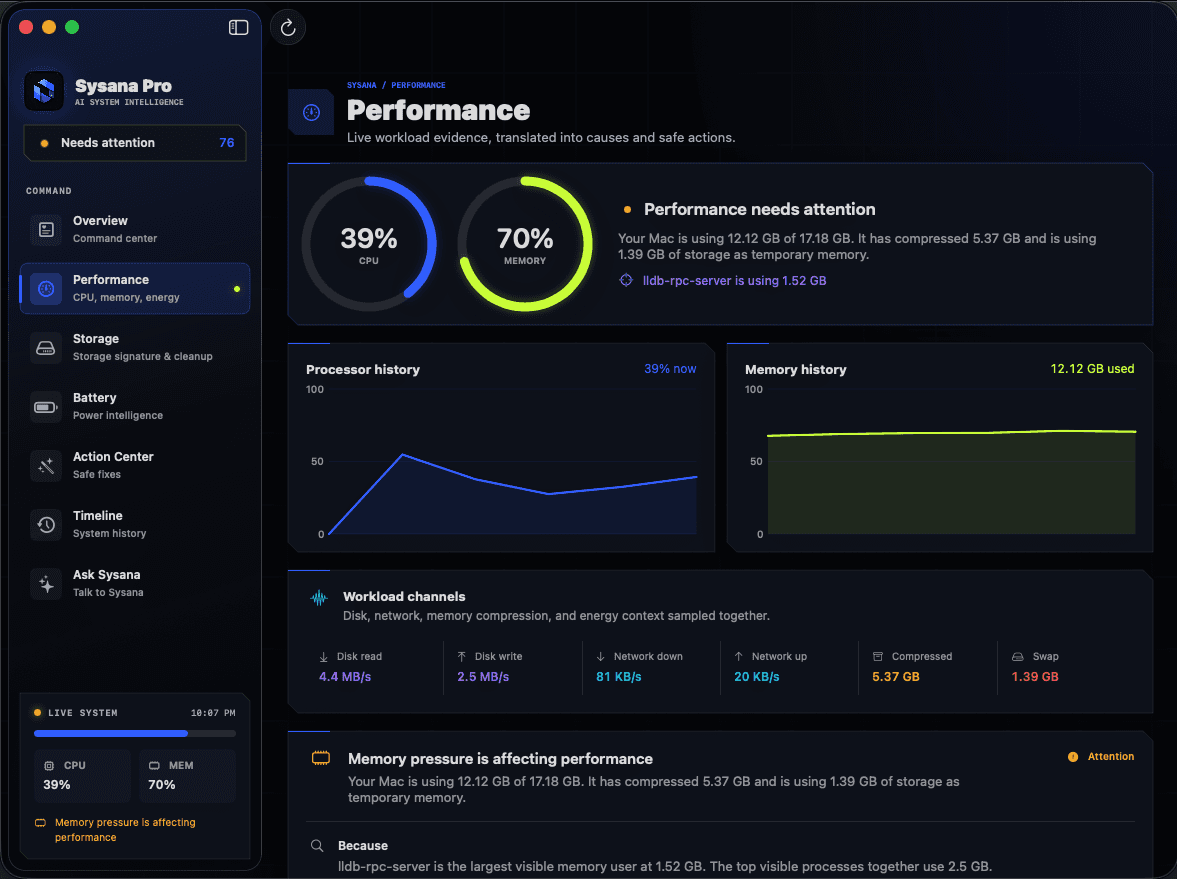
Why is my Mac slow? A practical diagnosis guide
Find out why your Mac is running slowly. Check CPU, memory pressure, storage, login items, heat, and background activity before changing anything.
READ GUIDE ↗Clear diagnostics, careful fixes, and no destructive shortcuts.
Find out why your Mac is running slowly. Check CPU, memory pressure, storage, login items, heat, and background activity before changing anything.
READ GUIDE ↗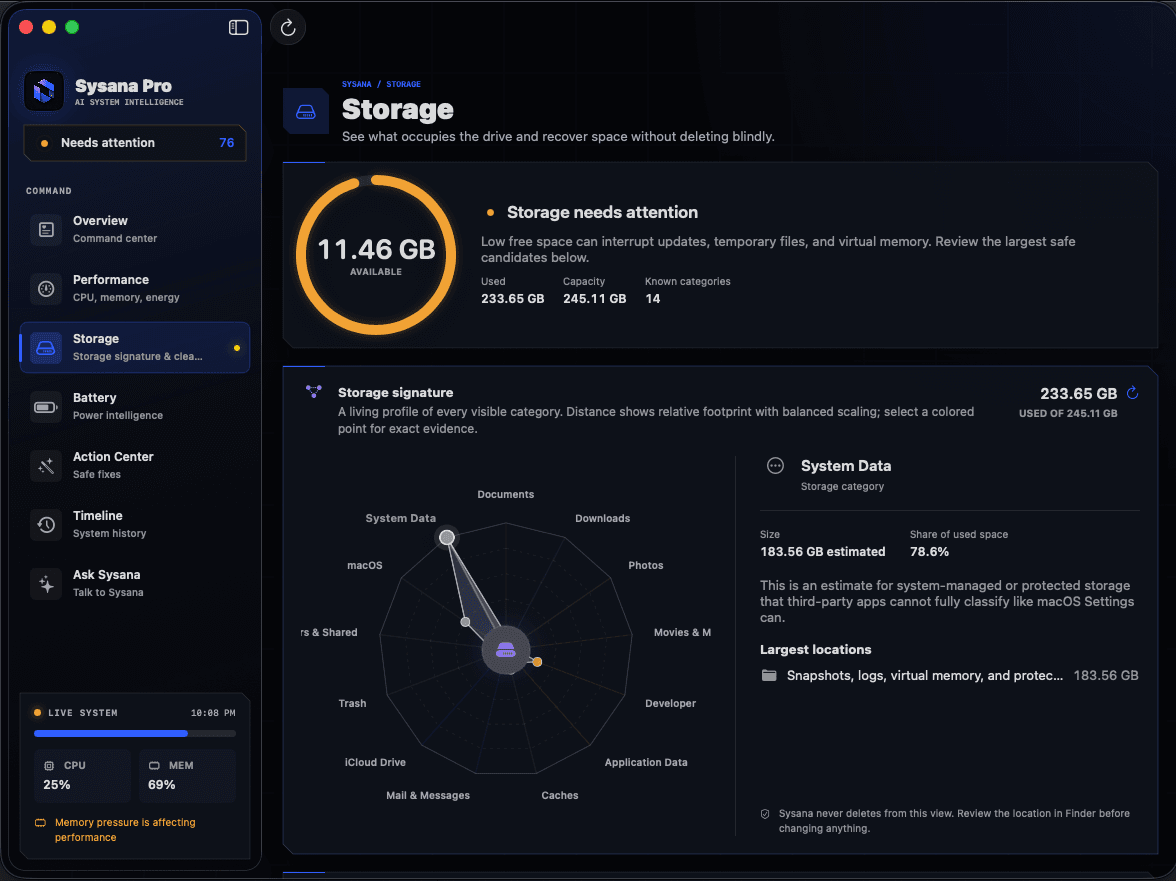
See what is taking up space on your Mac and reclaim storage safely. Review large files, apps, downloads, backups, and System Data without risky deletion.
READ GUIDE ↗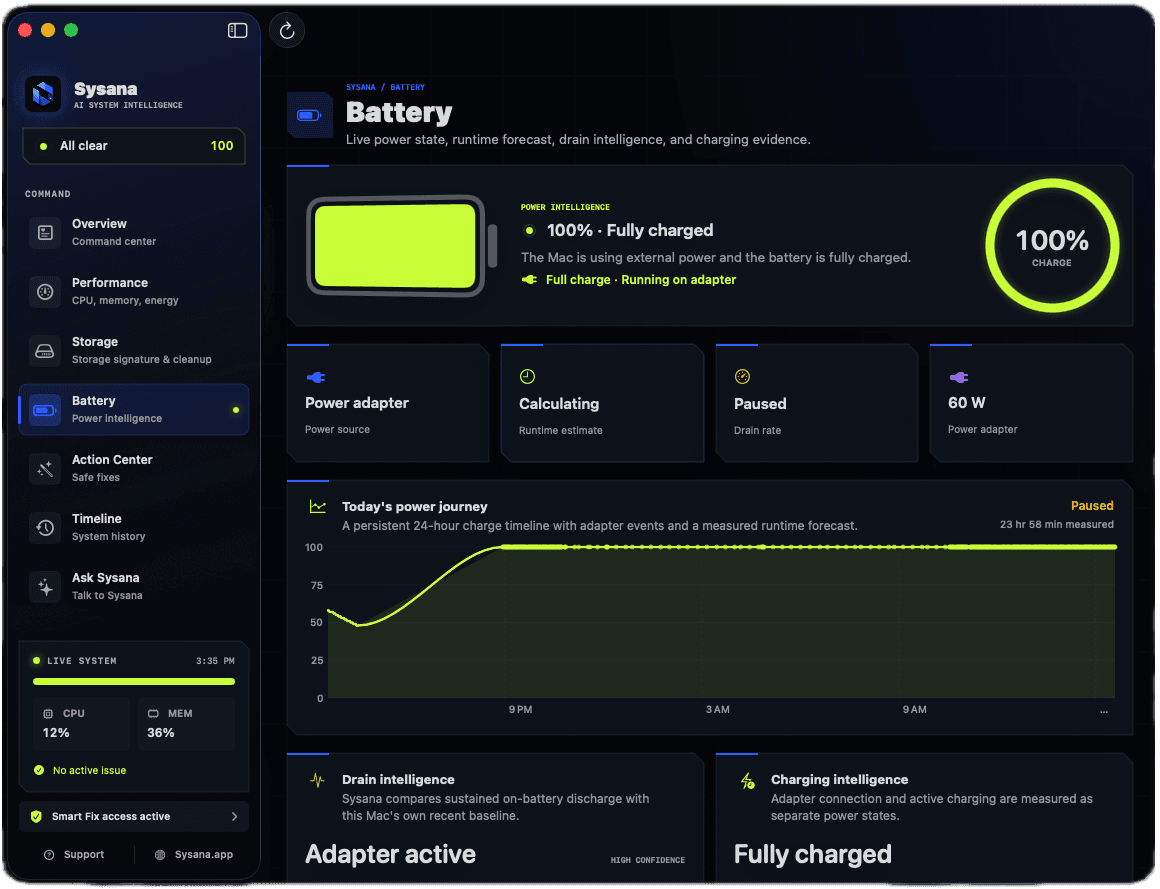
Diagnose fast MacBook battery drain by checking energy-heavy apps, background activity, battery health, display settings, heat, and charging behavior.
READ GUIDE ↗Learn why a Mac gets hot, how to identify CPU and energy-heavy apps, improve airflow, and recognize when persistent heat needs hardware support.
READ GUIDE ↗Understand the Mac memory pressure graph, swap used, compressed memory, and how to find apps responsible for recurring memory-related slowdowns.
READ GUIDE ↗Find out why your Mac fan is running loudly. Check demanding processes, airflow, external displays, updates, and hardware warning signs safely.
READ GUIDE ↗Learn how to clear cache on a Mac safely, including Safari website data and app caches, without deleting important system files.
READ GUIDE ↗Understand what Mac System Data includes and reduce it safely without deleting protected files, using built-in storage tools and app-specific cleanup.
READ GUIDE ↗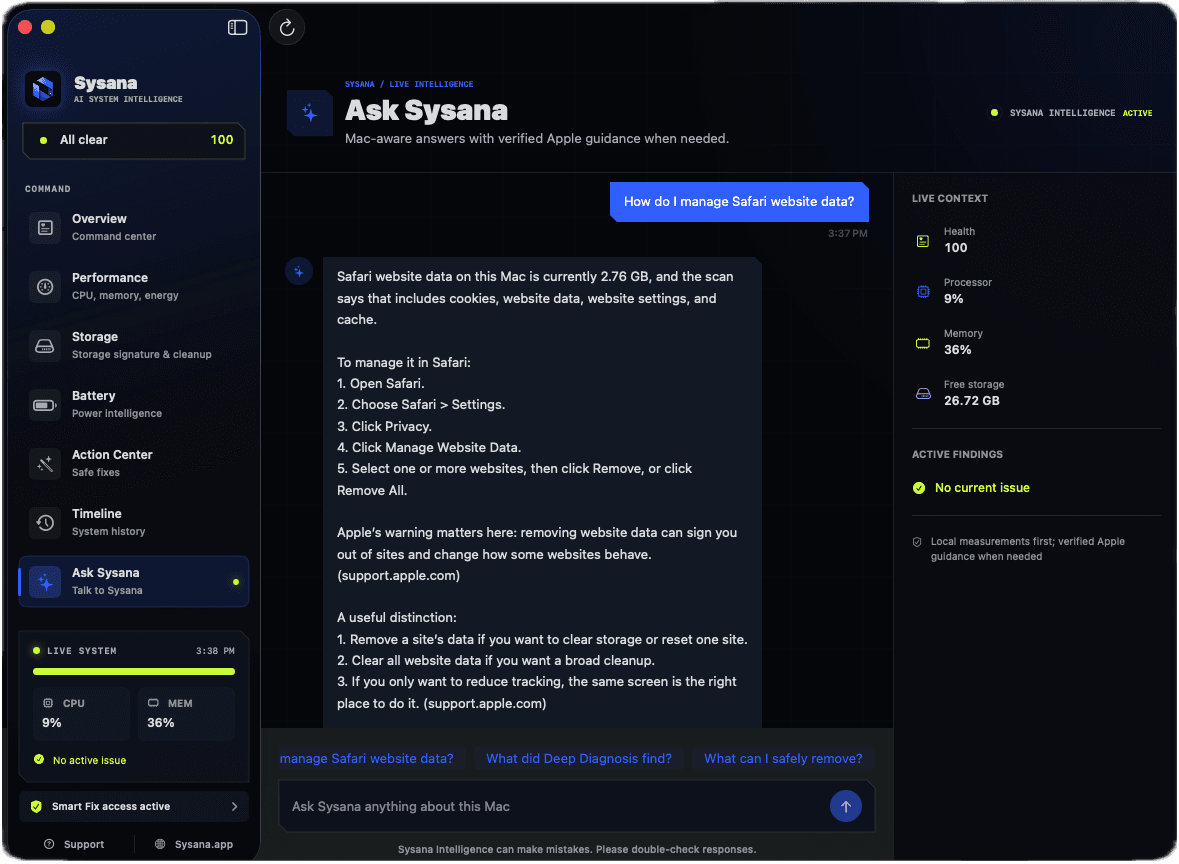
Learn how Sysana Intelligence connects your questions with current Mac diagnostics, how to ask useful follow-ups, and how its privacy boundaries work.
READ GUIDE ↗We start with symptoms, timing, and the signals macOS already provides. Every guide favors reversible checks, warns against destructive shortcuts, and explains when software troubleshooting should stop and professional support should begin.