Start with the evidence.
Fans speed up when a Mac with active cooling needs to move more heat. That is often normal during demanding work. Investigate when the fan stays loud during light use, starts after connecting a device, or appears with severe slowdown or shutdowns.
Fan noise is a response, not usually the cause
The cooling system reacts to heat from processors, charging, displays, storage, and the surrounding environment. Trying to stop the fan without reducing the underlying heat can make the situation worse.
Apple silicon MacBook Air models use passive cooling and do not have a fan. A fan-like sound on those models may come from an accessory, vibration, or another mechanical source.
Five checks that explain most loud-fan events
Perform these checks while the fan is audible so the responsible activity is still visible.
- Sort Activity Monitor by CPU
Look for sustained processor use. Rendering, conferencing, games, virtual machines, updates, and indexing can legitimately use significant CPU.
- Check the Energy pane
Review current Energy Impact and, on supported laptops, 12 hr Power. Close only apps you recognize and no longer need.
- Improve airflow
Place the Mac on a stable hard surface, keep vents clear, and move away from direct sun or a hot room.
- Disconnect and compare
External displays, docks, drives, and charging equipment can change system workload and heat. Disconnect unneeded devices, then reconnect them one at a time.
- Restart and update
Restart to clear stuck processes. Install current macOS and app updates from trusted sources, then reproduce the same workload.
Should you reset the SMC?
Advice to reset the System Management Controller applies only to certain Intel-based Macs and the procedure varies by model. Apple silicon Macs manage these functions differently. Follow Apple's instructions for your exact model rather than a generic key combination.
Before any reset procedure, confirm the model under Apple menu > About This Mac and use current Apple Support documentation.
When fan noise may indicate a hardware problem
Grinding, rattling, scraping, sudden changes in fan sound, or persistent maximum fan speed after a restart and during light use deserve professional evaluation. Back up important data before service.
If the Mac also shuts down, reports temperature warnings, or shows battery swelling, stop troubleshooting with software and contact Apple Support.
Understand what your Mac is telling you.
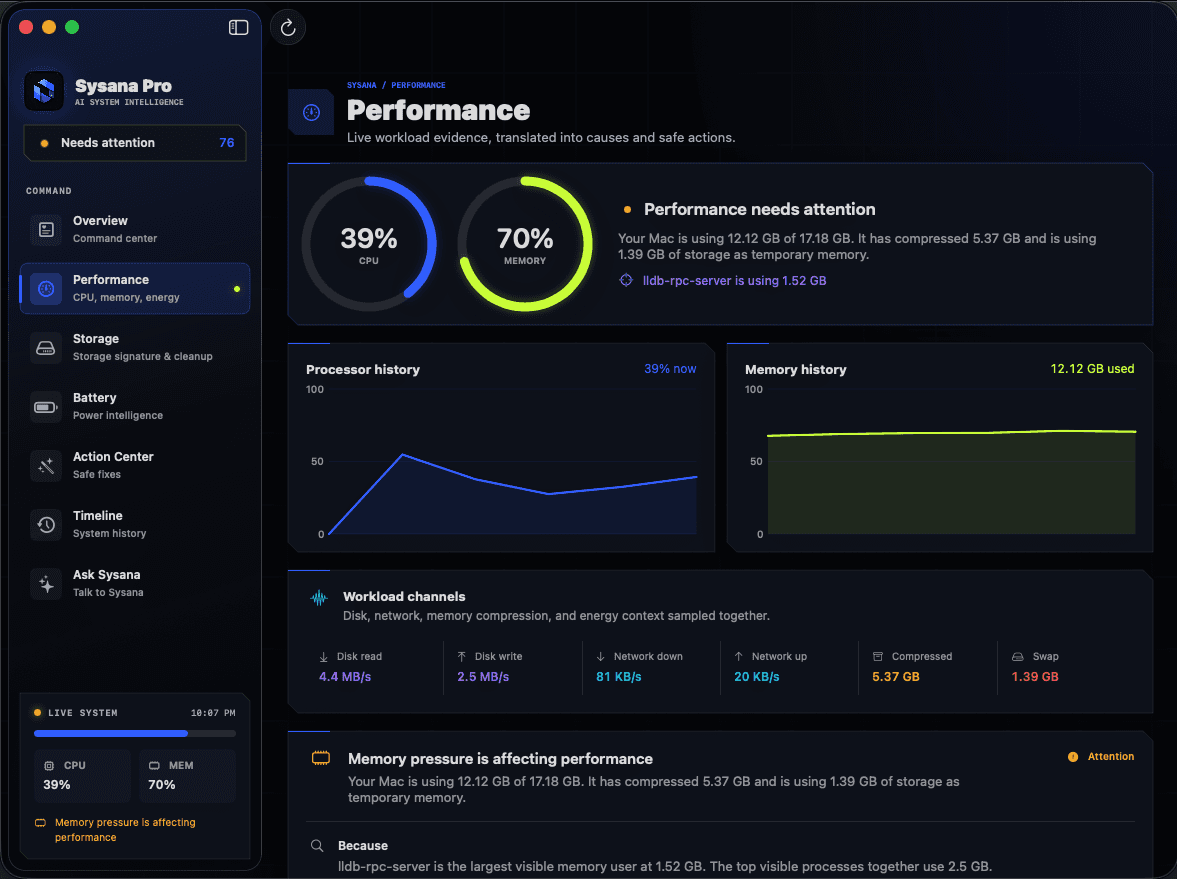
Sysana connects performance, memory, storage, battery, energy, and thermal context in one clear diagnostic view. You review every recommendation.
Frequently asked questions
Why is my Mac fan loud when nothing is open?
Background indexing, syncing, updates, browser helpers, or a stalled process may still be active. Check Activity Monitor during the event, restart, and compare before changing system settings.
Can dust make a Mac fan loud?
Restricted airflow or a mechanical fan problem can contribute, especially on older hardware. Avoid opening the Mac unless you are qualified; use Apple or an authorized service provider when hardware inspection is needed.
Do all Macs have fans?
No. Some Mac models, including Apple silicon MacBook Air models, use passive cooling. Confirm your exact model before following fan-specific advice.