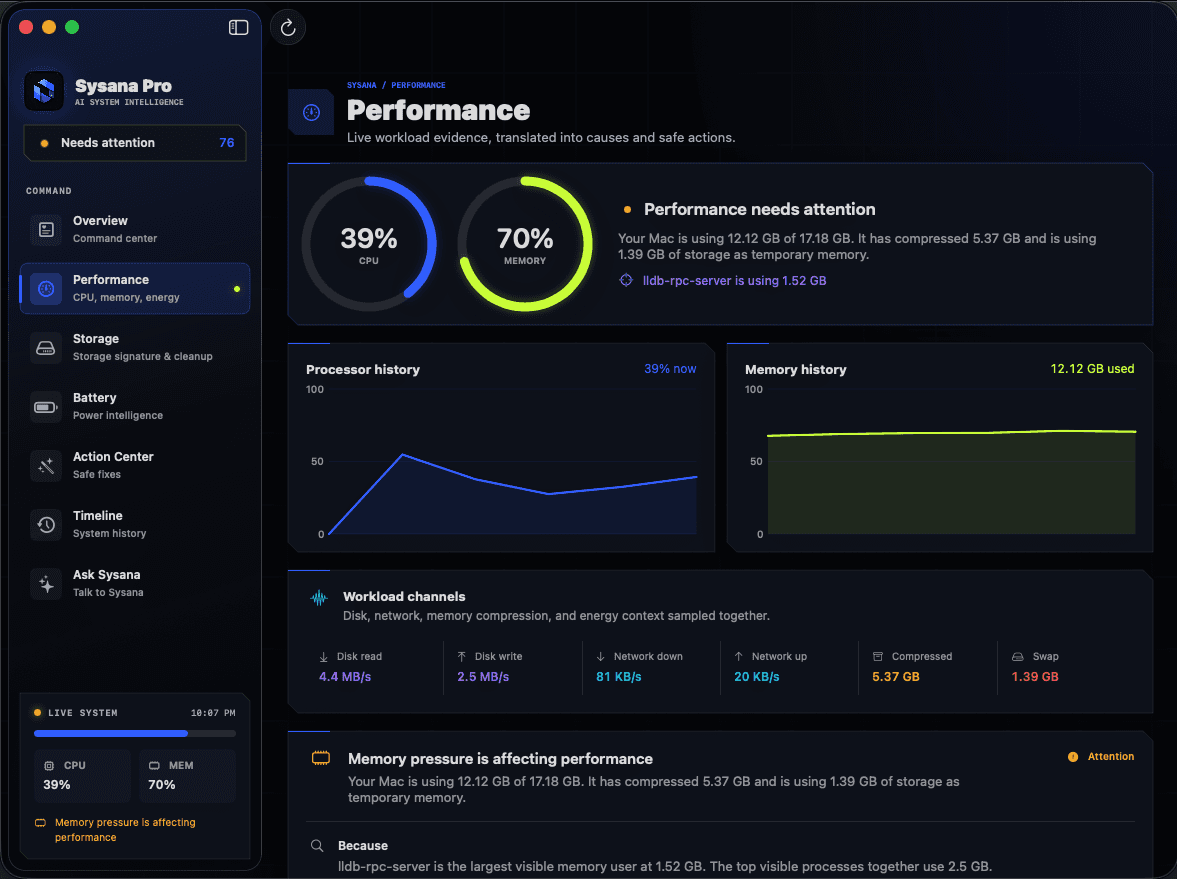
Start with the evidence.
A warm Mac is not automatically overheating. Video calls, games, exports, updates, charging, and external displays can create normal heat. Investigate when heat is sustained during light use, performance drops, fans stay loud, or the Mac shuts down.
Why your Mac gets hot
The processor, graphics system, display, storage, battery charging circuit, and connected devices all produce heat. macOS manages temperature with airflow, fan speed on models with fans, and performance limits when needed.
Temperature is meaningful only with context. A warm enclosure during a long video export can be expected. The same heat while the Mac is idle points toward background activity, poor airflow, a peripheral, or a hardware issue.
A safe heat diagnosis
Do not place the Mac in a refrigerator, use ice, or blow compressed air into openings while it is operating.
- Move to a hard surface
Use the Mac on a desk or stand with vents unobstructed. Soft bedding and enclosed spaces can restrict airflow.
- Check CPU and Energy
Open Activity Monitor and sort the CPU and Energy panes. Note any process that remains high after the foreground task finishes.
- Disconnect accessories
Test without unneeded hubs, external drives, displays, and charging accessories. Reconnect one item at a time to find a repeatable relationship.
- Pause demanding work
Stop exports, virtual machines, games, video calls, and large sync jobs. Give the Mac several minutes and see whether heat and fan activity fall together.
- Restart and update
A restart ends stuck processes. Current macOS and app versions may contain fixes for unusual resource use.
- Run Apple Diagnostics when heat persists
If the Mac remains hot during light use or shuts down, back up your data and use Apple Diagnostics or contact Apple Support.
What kernel_task can mean
Some users notice kernel_task using substantial CPU while the Mac is hot. It can be part of macOS temperature management rather than the original source of heat. Force-quitting or modifying system files is not an appropriate fix.
Look for the workload, accessory, or environment that preceded the temperature rise. When heat falls, related system activity should usually settle as well.
Warning signs that need attention
Unexpected shutdowns, repeated temperature warnings, physical battery swelling, a burning smell, liquid exposure, or heat that persists after a clean restart should be treated as hardware or safety concerns. Shut the Mac down if it is unsafe to touch and contact qualified support.
Monitoring can reveal the timing and associated workload, but it cannot make unsafe hardware safe.
Understand what your Mac is telling you.
Sysana connects performance, memory, storage, battery, energy, and thermal context in one clear diagnostic view. You review every recommendation.
Frequently asked questions
Is it normal for a MacBook to feel hot?
It can be normal during charging or sustained processor and graphics work. Investigate if the heat continues during light use, causes severe slowdown, or is accompanied by shutdowns or physical damage.
Why is kernel_task using so much CPU?
High kernel_task activity can appear when macOS is managing temperature. Treat it as context and investigate the workload, accessory, and airflow that came before it rather than trying to remove the process.
Can I cool my Mac with ice or a refrigerator?
No. Condensation and rapid temperature changes can damage electronics. Shut it down, move it to a ventilated room-temperature surface, and seek support if it remains unsafe.